A2UI Composer
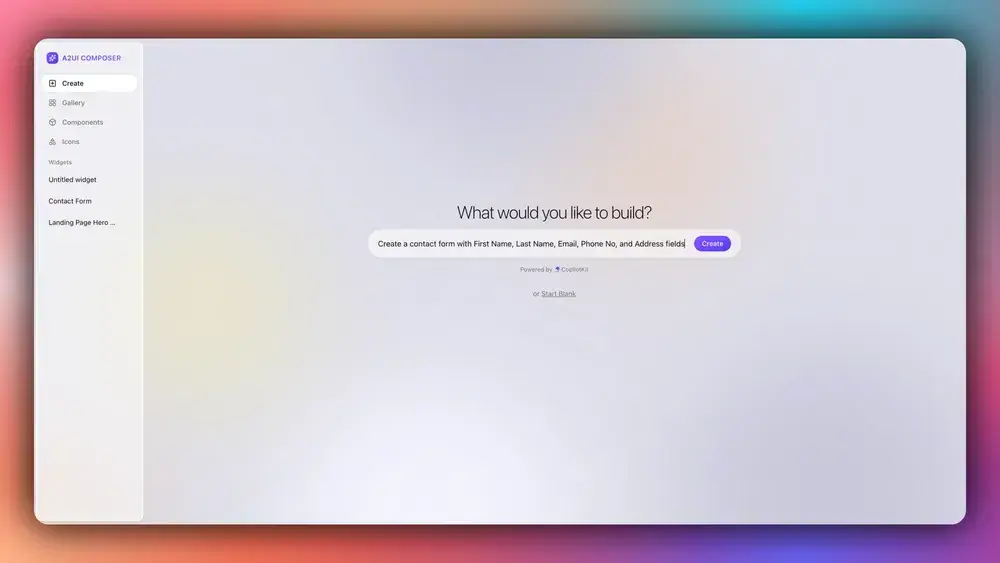
A2UI Composer is the official browser-based tool for describing an interface, inspecting generated A2UI output, and previewing the result. The companion Theater presents examples across supported renderers.
Practical workflow
- Describe one focused interface and the data it needs.
- Inspect the generated messages, component IDs, bindings, and actions.
- Confirm that the output matches your application’s pinned protocol and catalog versions.
- Compare renderer behavior in Theater when framework consistency matters.
- Save validated payloads as test fixtures before integrating them into an agent prompt or response path.
Production boundary
Composer accelerates authoring but does not replace host validation or authorization. The application must reject unsupported components, unsafe URLs, invalid data paths, oversized values, and unrecognized actions. Consequential actions still require server-side permission checks and appropriate user confirmation.
Use the official Composer documentation for current capabilities, then apply the renderer production-readiness guide before launch.